Getting Started...
Untitled Sekai is a fan-made chart platform for a certain Sekai rhythm game. You need Sonolus to play these charts. For instructions on how to download Sonolus, please check the Sonolus official website.
About Chart Submissions...
Here's how to submit your charts. The submission website is here
1. Open the Untitled Sekai website
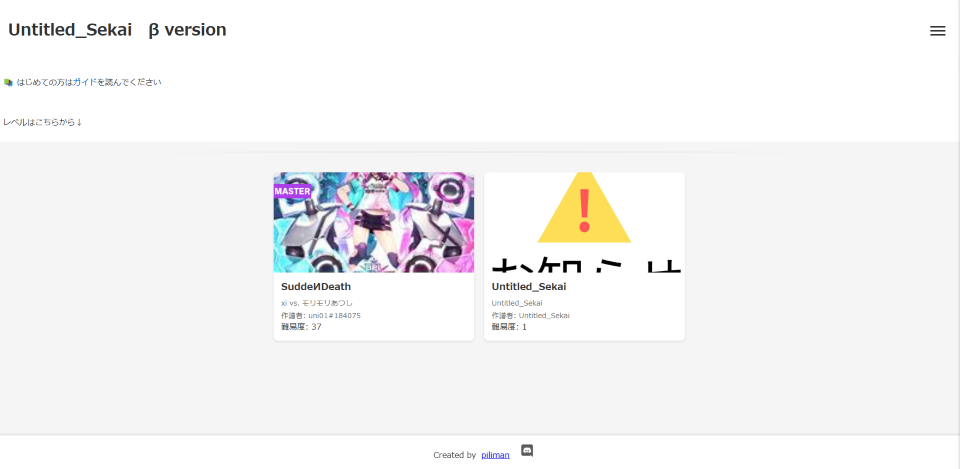
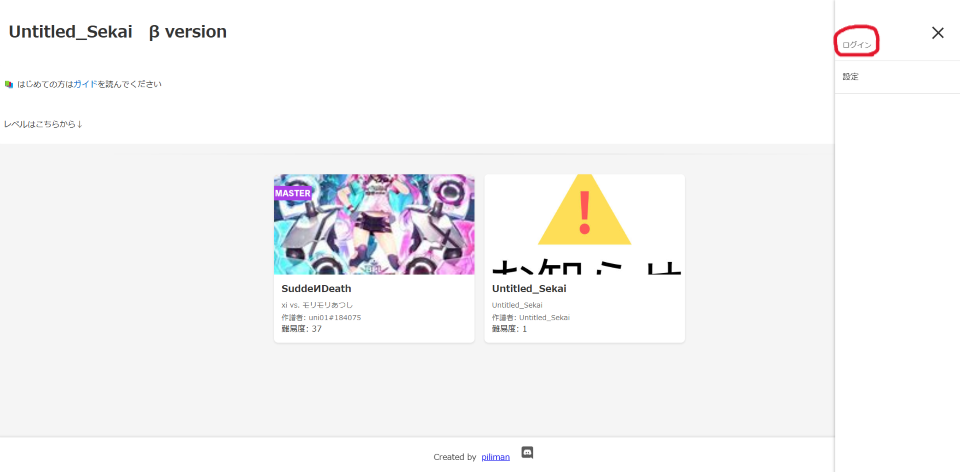
2. Click on the three-line menu in the upper right, then click "Login"
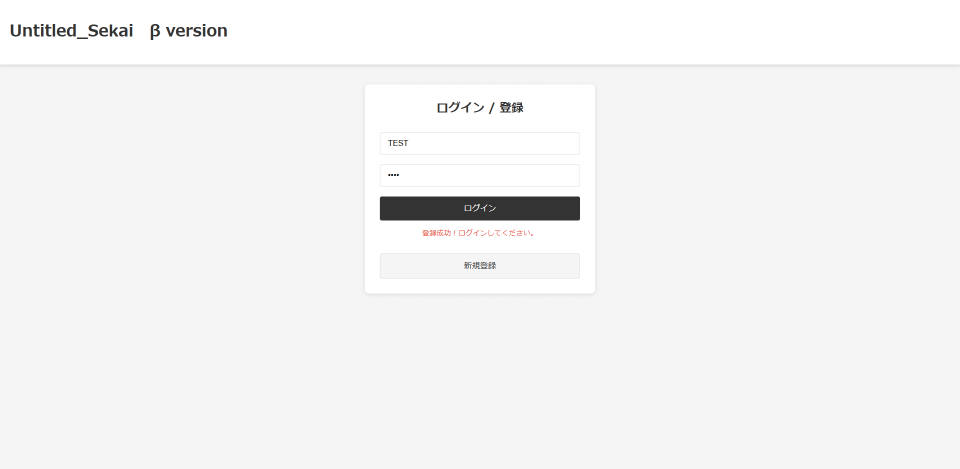
3. Enter your [Username] and [Password] and click "Login". If you don't have an account, press "Register", and after successfully registering, press "Login"
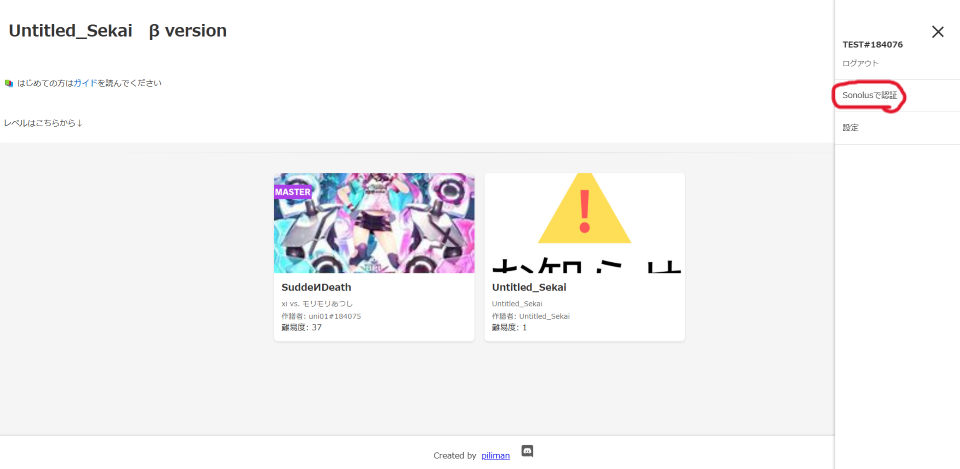
4. Click on the three-line menu in the upper right again, then click "Authenticate with Sonolus"
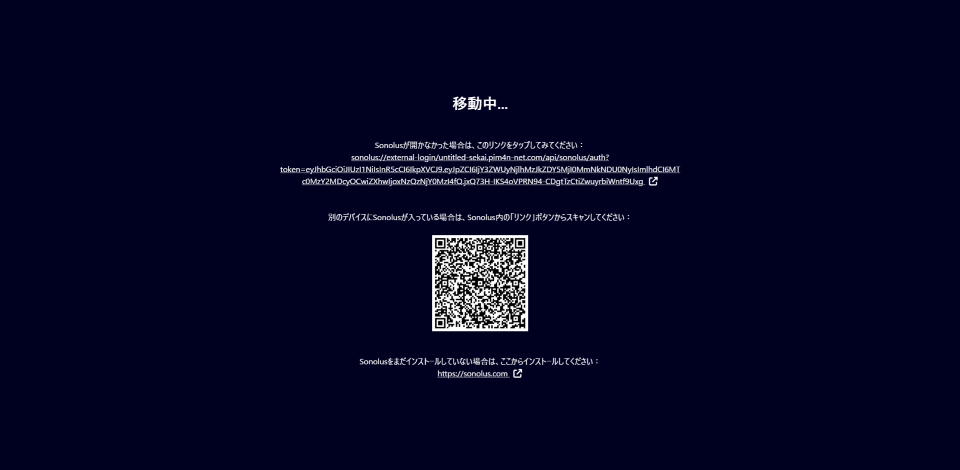
5. Scan the displayed QR code with your smartphone or tablet, and complete the authentication in the Sonolus app
After authentication is complete and you return to the Untitled Sekai site, if the menu still shows "Waiting for authentication" even though authentication was successful, try refreshing the page
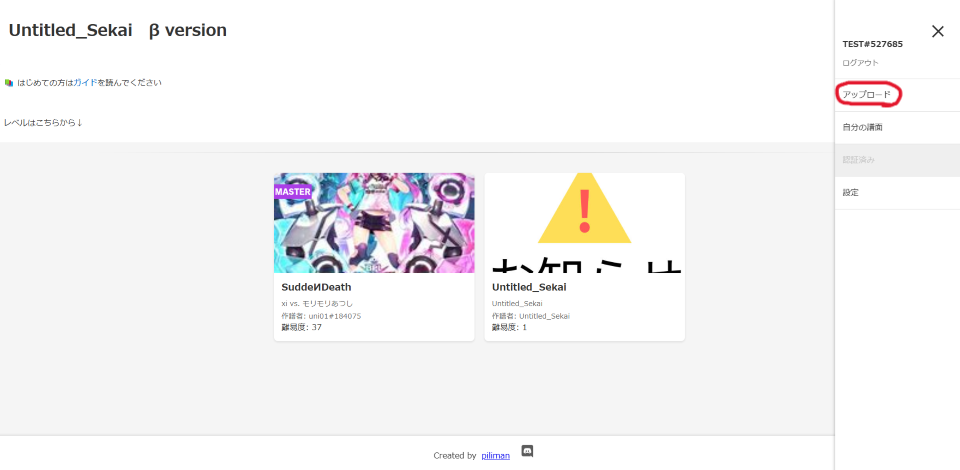
6. Return to the Untitled Sekai site again, click the three-line menu in the upper right, and click "Upload"
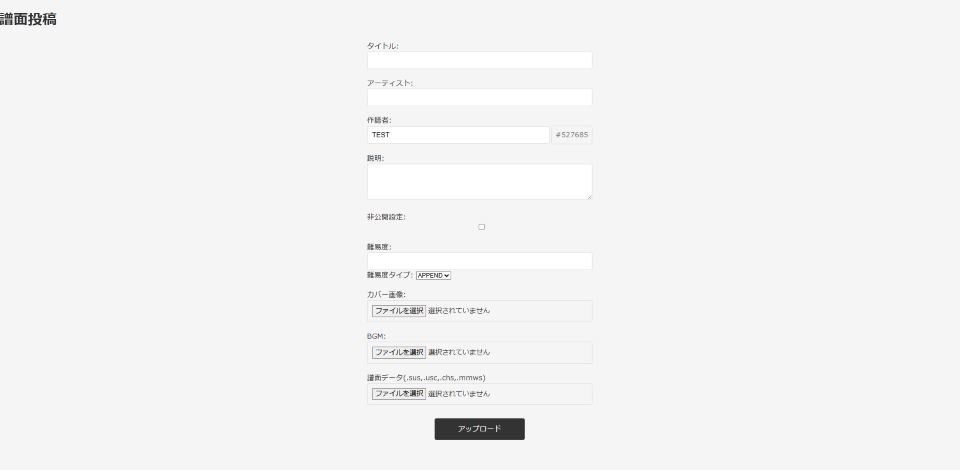
7. Enter the required information in each field, select the necessary files, and your submission is complete
Please read the chart submission rules carefully before submitting!
Submitting incomplete charts is prohibited! If you need to test an incomplete chart, you *must* check the "Private" checkbox!
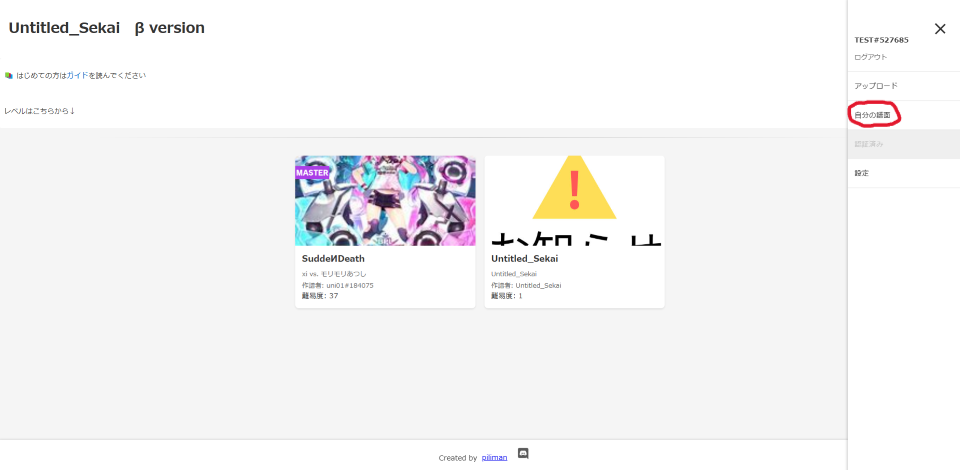
8. Click "My Charts" to check and edit the charts you've uploaded